
HomeFor arbitrary triangle mesh creating and editing VirtualGrid
Home Products Applications Tutorials Download Store Support Company  


PRODUCTS

...
» Overview


» VRMesh Reverse

» VRMesh Design

» Feature Comparison

» Feature Highlights

» VRMesh Library

» System Spec

» FAQs


VRMesh Studio

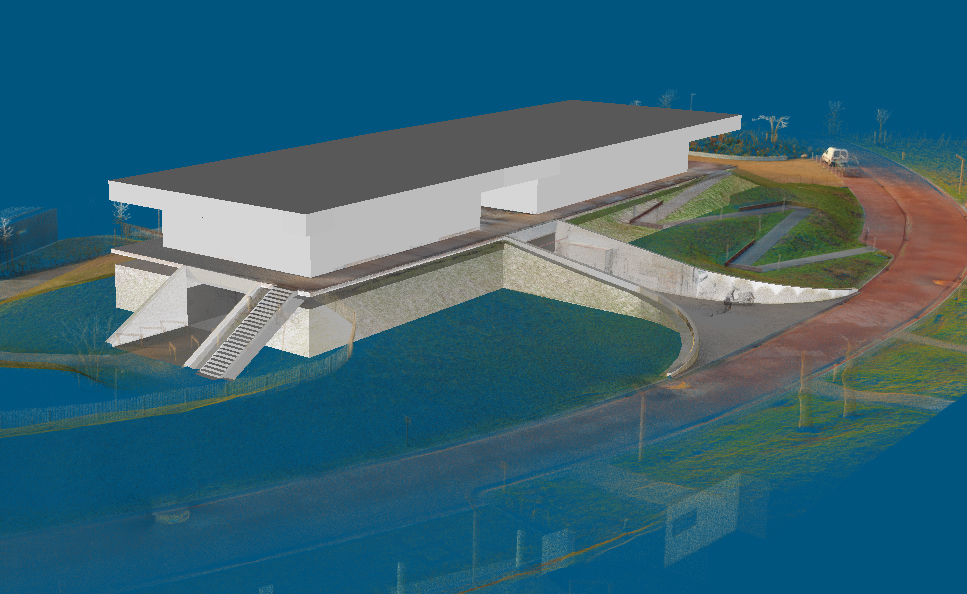
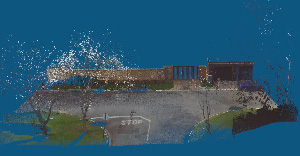
VRMesh Studio provides a comprehensive point cloud processing, and mesh modeling environment for industry users requiring engineering tools and design communication in one package.


Point Cloud Processing

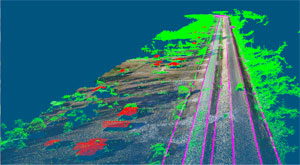
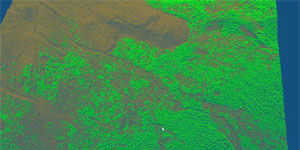
  • Handle large data sets in excess of multiple million points.

  • Support vertex color during the point cloud/mesh processing.

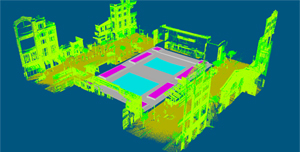
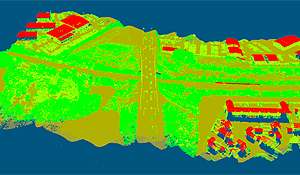
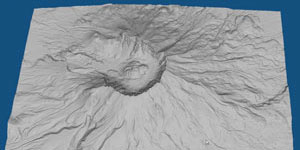
  • Quickly manipulate point clouds: smooth, decimate, clip, extract.
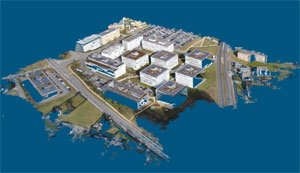
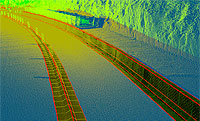
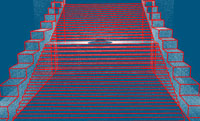
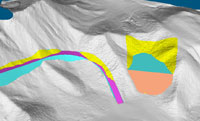
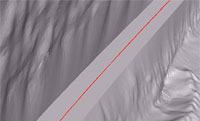
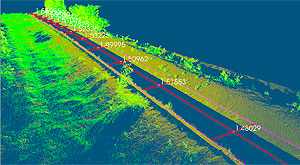
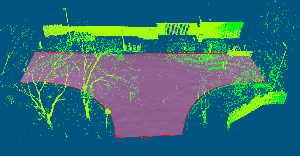
  • Generate boundary curve and cross-section curves directly on point clouds.

Easy-to-use Point Cloud Processing Tools


Registration

  • Manually register two objects (point clouds / meshes) using 1 point or multiple points.

  • Automatically register multiple objects using global registration.

  • Automatically simplify and merge multiple objects into point clouds.

Automatic Multiple Scan Registration & Merging watch QuickTime movie (9.5 MB)
 

Point Cloud to Mesh

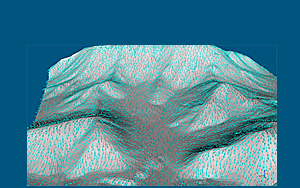
  • Triangulate point clouds to meshes optimally and accurately in one click.

  • Automatically delete redundant overlapping points.

Automatic & Accurate Triangulation
 

Mesh Repair

  • Unify normals, stitch gaps.

  • Fill holes by curvature / plane / cap.

  • Analyze and fix triangle errors with step-through wizard.

Guaranteed Watertight Polygon
watch QuickTime movie (6.9 MB)
 

Mesh Editing

  • Optimize meshes with feature-preserving smoothing and decimation.

  • Restore sharp edges along feature curves.

  • Smooth, fillet, trim, and extend boundary edges.

  • Offset meshes with variable thickness.

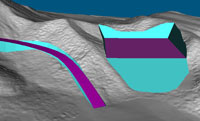
  • Boolean operations.

  • Create multiple cross sections by plane / along curve.

Feature-Preserving Remesh Smoothing watch QuickTime movie (5.1 MB)
 

Smart Form

  • Create free-form 3D models from sketched curves.

  • Create objects by sweeping / revolving.

Digital Clay

  • Reshape existing objects intuitively by clicking / dragging.

  • Add complex elements on the surface.

Fast Design from Sketch watch QuickTime movie (19 MB)


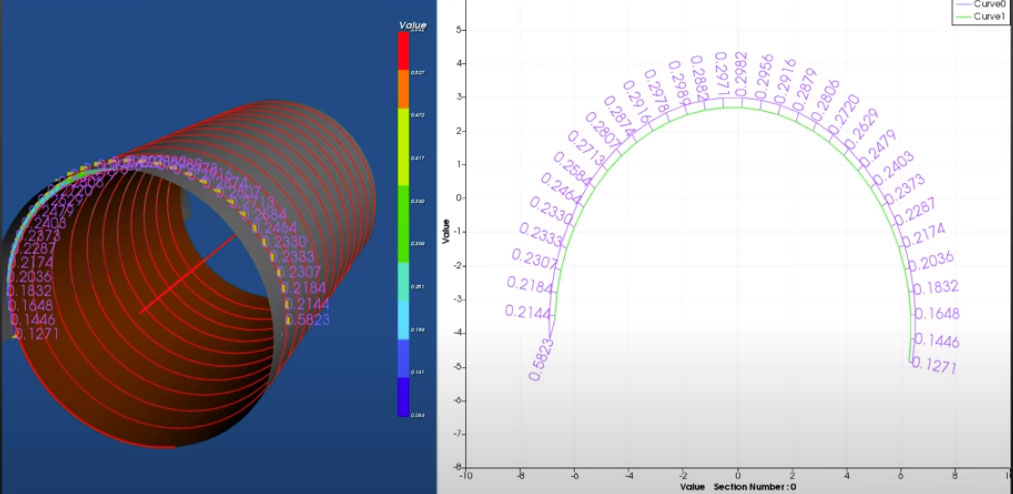
Inspection / Measurement

  • Generate color-mapped objects to illustrate deviations.

  • Create and modify dynamic annotations to show deviations.

  • Export the information of the selected points to Microsoft Word/Excel for inclusion in reports.

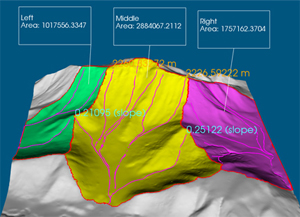
  • Measure and annotate the information of point, point-to-point distance, or angle between two rays.

Inspection


©2004-2008, VirtualGrid Company. All rights reserved.   Resellers Contact us Links Privacy